




Payment & Security

Description
- Upstream port: USB
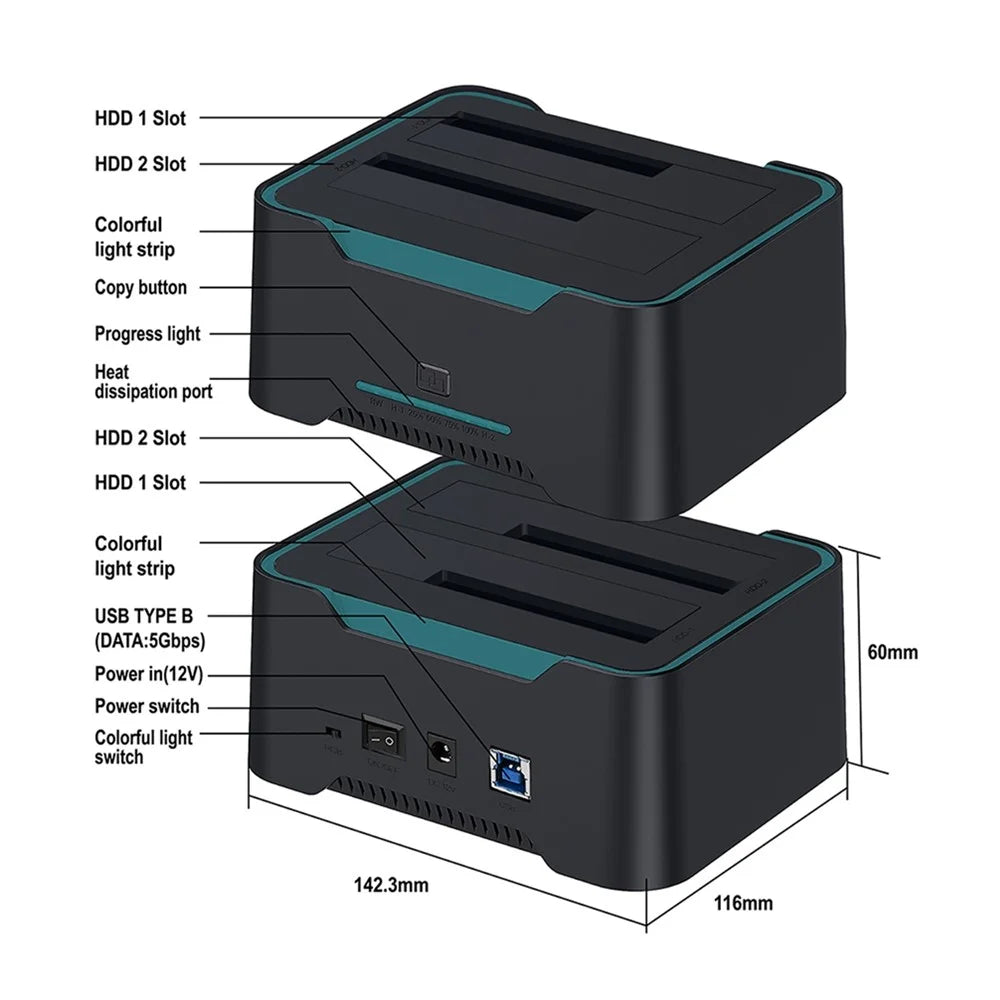
- Downstream port: 3.5-inch SATA HDD/SSD
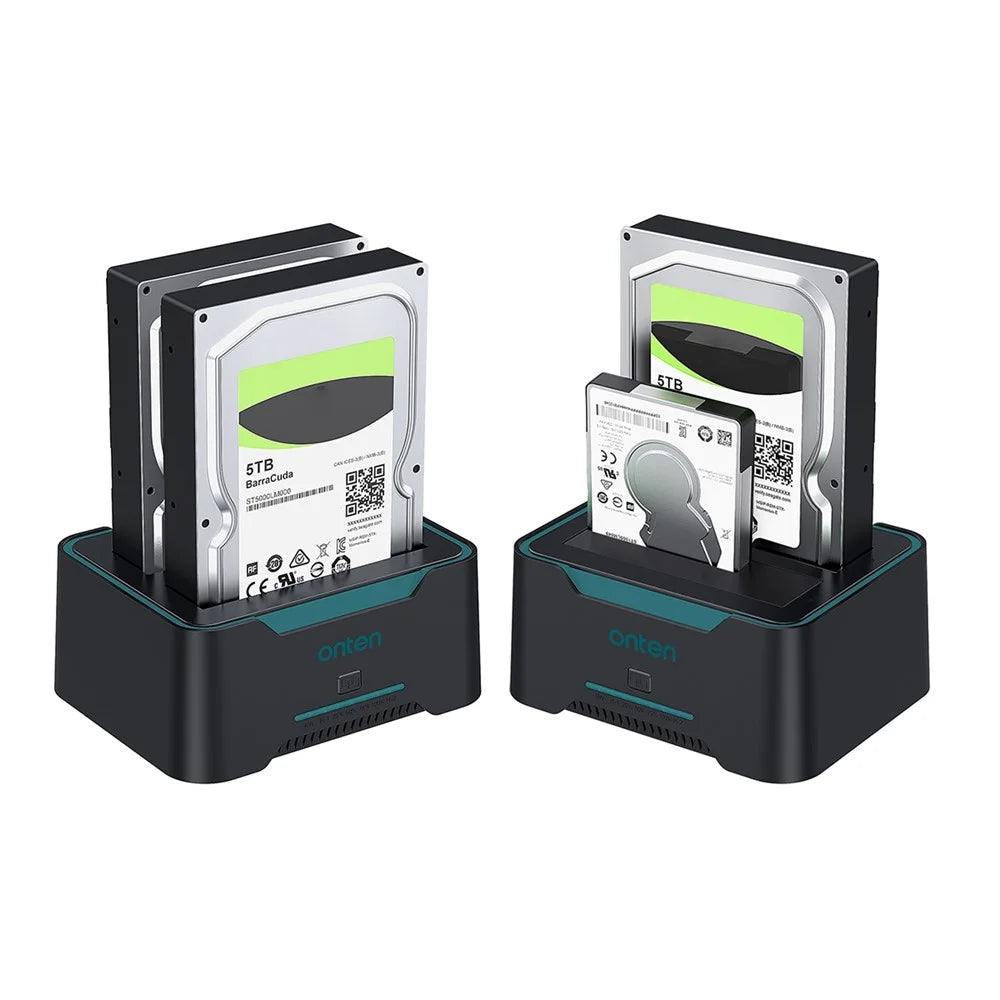
- Suitable for 2.5/3.5-inch HDD/SSD, up to 2 x 16TB
- USB 3.0 has a maximum transfer rate of 450MB/S and can transfer large files in seconds
- Provides easy access to two 2.5/3.5-inch HDD SSD SATA I/II/III drives, which is the perfect solution for backing up and processing IT data, batch processing of data, data recovery, formatting and file transfer
- Easy to operate, no driver required, plug-and-play
Note:
- 1. If there is information on the target disk, please back it up because all information on the target disk will be deleted after cloning.
- 2. The memory of the target disk must be greater than or equal to the memory of the source disk, otherwise the cloning will fail.
- 3. Make sure the USB cable is disconnected from any computer.
- 4. Do not move the hard drive or turn off the device during the cloning process.
- 5. Press and hold the clone button for 3-6 seconds until the indicator light turns on to start the cloning process.
- 6. For the safety of the hard disk, do not remove the hard disk when the device is powered on.
- 7. The cloning time depends on the hard disk memory size.
- 8. The hard drive may not be recognized after cloning. Please go into Computer Management - Disk Management and you will see one of them shown as offline.
- 9. Pay attention during the operation, because the cloning time may cause the hard disk to overheat.
In the box
- 1 x HD Docking Station
- Other items not included